Tiny Text Generator — Free Unicode Fonts
Superscript small text for Instagram & TikTok. Type your text above, scroll through the styles, and click to copy. No download needed.
What Is a Tiny Text Generator?
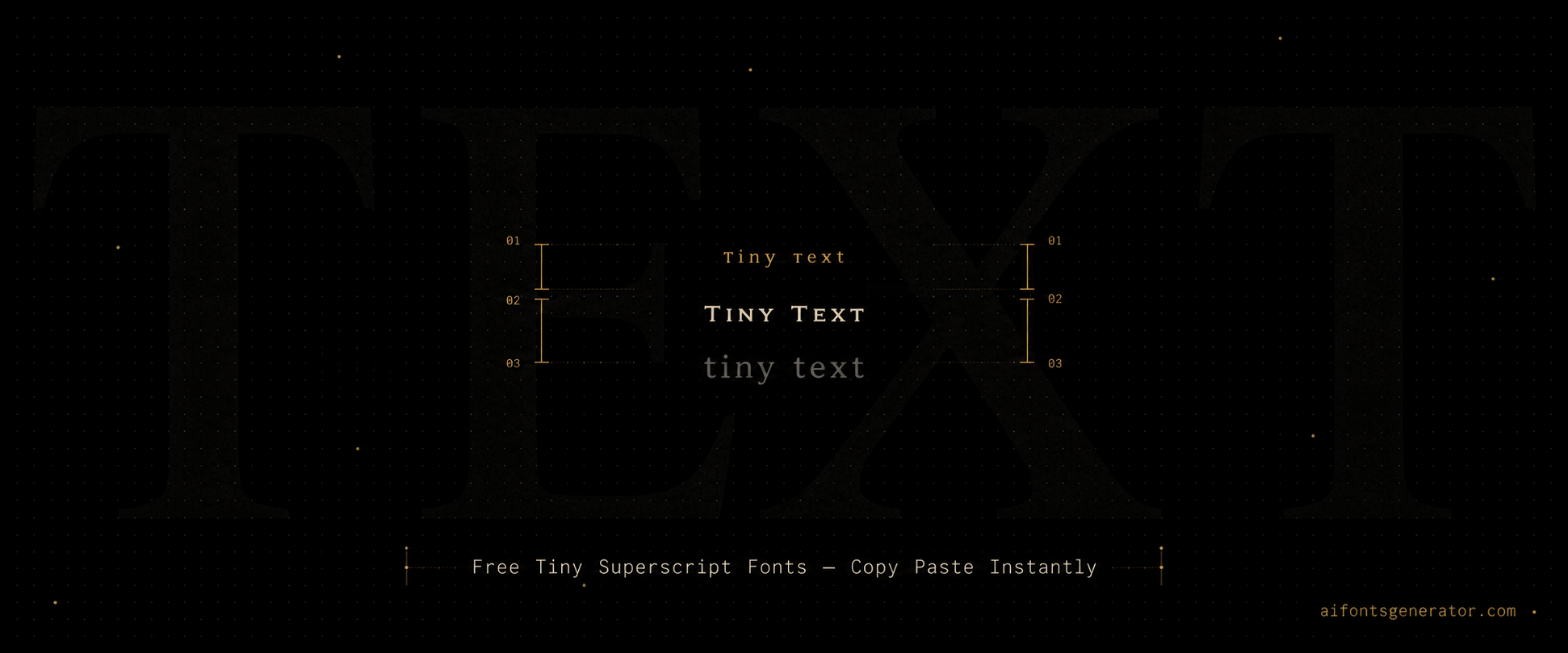
Tiny text uses Unicode superscript and subscript characters to produce letters that render visually smaller than normal text. The tiny text generator maps standard letters to their superscript or small capitals equivalents in Unicode. The output looks like miniature text sitting at a smaller scale than the surrounding content. It is a popular choice for Instagram bios where space is limited and visual layering matters. TikTok creators use tiny text in display names for a subtle, distinctive look. Discord users add it to bios and status fields. The characters are plain Unicode, so tiny text pastes into any platform text field and displays at the small scale on every device without any formatting support needed.
How to Use This Tiny Text Generator
Type your text into the input field. The tiny text generator outputs superscript and small caps variants instantly. Copy the style you want and paste it into your Instagram bio, TikTok name, Discord field, or anywhere else. The small size is a property of the Unicode characters themselves, not of any formatting. This means the text looks tiny on every device that reads it, without needing the platform to support any special display mode.
Tiny Text Generator for Instagram
Tiny text in an Instagram bio creates visual contrast when mixed with normal-size text. A common use is a small line of descriptive text between larger bold lines, or a tiny tagline beneath a display name. The Instagram name field also accepts tiny Unicode, though the small size can be hard to read in that context. The bio is the better location for tiny text on Instagram, particularly for decorative or secondary information that does not need to be the focal point.
Tiny Text Generator for Discord
Discord bios and status fields are natural homes for tiny text. A status message in tiny Unicode reads as quieter and more considered than standard text. In creative or aesthetic Discord communities, small text bio lines are common for secondary details like pronouns, locations, or interests. Tiny text also works in Discord nicknames, though legibility at the small sizes used in member lists is a trade-off to consider.
Tiny Text Generator for Gaming
Tiny text is less common for gaming names because readability at small in-game text sizes matters more than aesthetics in competitive contexts. The style is more popular for content creator usernames on TikTok and Instagram where a small, elegant name above a video or in a bio adds a visual touch. If you do use tiny text in a gaming name, test how it reads in-game before committing, as some platforms reduce the visual difference between tiny Unicode and normal characters.
Platform Compatibility Guide
Tiny text works on Instagram, Discord, TikTok, Twitter, and WhatsApp. The superscript Unicode block is widely supported across modern platforms. Facebook renders most tiny text correctly. Gaming platforms vary. Some support superscript characters and some do not. The most reliable use cases are Instagram bios, Discord status and bio fields, and TikTok display names. If tiny text displays as normal-size text on a specific platform, that platform does not support the Unicode range the characters come from.
Why Use Unicode Tiny Text Generator?
Tiny text is possible because Unicode includes superscript and small capital character variants originally added for phonetic notation and mathematical expressions. The characters look small because they are defined that way in Unicode, not because of any font size instruction. When you paste tiny text into an app, the app displays those specific Unicode characters at their defined visual weight, which is smaller than standard letters.
Frequently Asked Questions
How do I make tiny text for my Instagram bio?
Type your text into the tiny text generator and copy the superscript or small caps output. Paste it directly into the Instagram bio field. The text will appear small on every device viewing your profile. Mix it with normal-size text or bold Unicode for contrast. Instagram supports the Unicode ranges used for tiny text.
What is superscript text and how is it different from normal text?
Superscript text uses Unicode characters that are defined as smaller and raised relative to the baseline. They are distinct characters in Unicode, not normal letters scaled down by formatting. This is why superscript text appears small even in apps that have no font size controls. The size is a property of the character itself.
Does tiny text display correctly on all phones?
On most modern phones, yes. Android and iOS both support the Unicode superscript and small capitals blocks. The text will look small on any device that views it. Older Android versions occasionally display some Unicode ranges as boxes, but current phones handle tiny text without issues across Instagram, TikTok, Discord, and WhatsApp.
More Font Style Generators
Looking for something different? Try these: