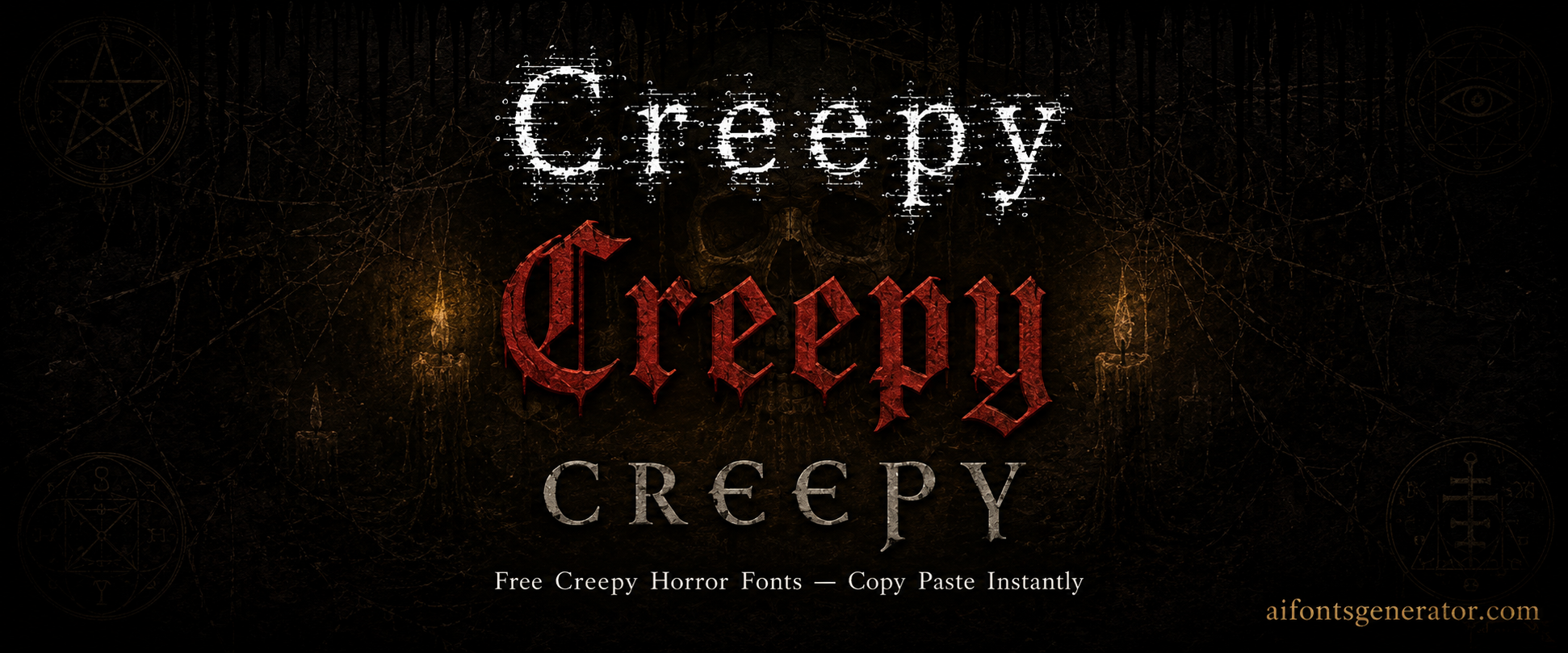
Creepy Text Generator — Free Unicode Fonts
Horror fonts for Discord, Instagram & gaming. Type your text above, scroll through the styles, and click to copy. No download needed.
What Is a Creepy Text Generator?
Creepy text is ordinary letters twisted by Unicode combining marks stacked above and below them, plus substitutions drawn from other scripts. The marks cling to each base character and create the glitch effect people paste into bios and names. Light intensity adds a few accents so the words stay readable. Medium piles on more marks until the letters look corrupted. Heavy overflow pushes marks far past the line height and turns the text into a vertical mess. The generator produces every level at once from a single input. Hit the REROLL button and the same words reappear with new mark placements and different symbol combinations, giving fresh variations without retyping. All output is plain Unicode that pastes into any field that accepts text.
How to Use This Creepy Text Generator
Type your words into the box. Styles appear instantly across the intensity range. Press REROLL to scramble mark positions and combinations on every style at once. Click any result to copy it. Paste the text wherever you need it. Heavier styles add many combining characters, so the total length grows quickly. That matters for game name fields that enforce strict character limits. Start with lighter versions if the platform cuts you off, then reroll until the length and look both fit.
Creepy Text Generator for Instagram
Horror and paranormal accounts use creepy text in Instagram bios and display names to signal the aesthetic before anyone scrolls. Light and medium intensity read as deliberate and still leave the bio legible. Heavy stacking can collapse line spacing on some phones, so the bio becomes hard to scan. Display names tolerate more distortion than bios because they sit on a single short line. Copy a few options from the stack, paste them into a notes app first, then drop the cleanest one into the profile. The result travels with no font install and works on both Android and iOS viewers.
Creepy Text Generator for Discord
Discord nicknames, server names, and bios accept creepy text without trouble. Horror servers, SCP groups, and dark role-play communities use it to set the tone at a glance. Combining marks render consistently on desktop and mobile clients. Heavy overflow in chat messages can shove neighboring lines apart, and some servers ban that disruption. Stick the denser styles in the nickname or bio field instead. Light and medium versions work cleanly in channel topics and status text. Reroll until the density matches the server's tolerance, then copy once.
Creepy Text Generator for Gaming
Players drop creepy text into Free Fire, PUBG Mobile, BGMI, and Roblox display names so the kill feed looks cursed. The real limit is character count. Every combining mark counts against the name length, so heavy styles burn through the allowance in a few letters. Light and medium intensity keep the intimidation while staying under the cap. Paste a candidate into the rename field and watch the remaining characters before confirming. If the game rejects it, reroll for a shorter mark set. The same approach works for clan tags and custom room titles.
Platform Compatibility Guide
Discord handles every intensity level cleanly on both clients. Instagram bios favor light to medium; heavy marks sometimes shift line height depending on the phone. TikTok display names accept most variants. WhatsApp shows the text correctly in messages and status updates. Free Fire, PUBG Mobile, and BGMI only tolerate light to medium because of strict character limits. Roblox strips or rejects some Unicode ranges, so test before spending on a name change. Twitter and Facebook display the marks without issue. When a style pastes poorly, hit REROLL for a lighter mark arrangement instead of dropping the idea. The tool keeps every copied version in the session stack so you can compare and pick the one that survives the target field.
Why Use Unicode Creepy Text Generator?
Unicode added combining diacritical marks so languages could attach accents to base letters. Nothing stops multiple marks from stacking on a single character. Creepy text simply piles them high. Character substitution styles replace ordinary letters with look-alike glyphs from other Unicode blocks. Both techniques produce pure text. No font file is required, no app is installed, and the result appears the same on any modern device that receives it. The receiver never needs special software.
Scary Text Generator
A scary text generator and a creepy text generator sit next to each other but aim at different moods. Creepy leans toward the uncanny and slightly wrong. Scary leans aggressive and threatening. Style families that use sharp substitutions and dense lower marks tend to read as scary. Lighter floating accents feel more decorative than menacing. People paste the output into horror captions, threat-style gaming names, and short social posts that need to land hard. The same input can be rerolled until the balance of aggression and readability matches the use. Copy several versions, then choose the one that still fits the character limit of the platform.
Halloween Text and Copypasta
October search traffic climbs for halloween text generator, halloween letters, happy halloween font, and halloween copypasta. People need spooky captions, party invites, themed usernames, and short horror blocks to drop into Discord. A copypasta is a block of text meant to be copied and shared; the broken, overflowing formatting is part of the joke. Creepy intensity supplies that broken look without any extra design work. Halloween letters work as decorative headings on social posts and event graphics. The same generator covers both light party-friendly styles and heavier overflow for pure horror. Because the output is plain Unicode, the text remains usable long after the holiday ends. Keep a few mid-intensity versions in the copy stack so you can switch between festive and unsettling without starting over.
Horror and Demon Font Styles
Horror font generator, demonic font generator, demon font, and satanic text generator searches point to the same set of symbol-heavy styles. Inverted crosses, alchemical signs, and sigil-like frames come from mathematical, alchemical, and dingbat Unicode blocks. They are not authentic occult scripts; they are ordinary symbols arranged for visual effect. Metal-band aesthetics, horror gaming clans, and dark-fiction accounts paste them into names and bios. Intensity stays light enough that the symbols remain distinct rather than collapsing into noise. Reroll to shift the placement of the framing marks until the overall shape fits the available character space.
Creepy Text Copy and Paste
One click copies any style straight to the clipboard. The copy stack records every version taken during the session so several intensity levels can sit side by side for comparison. What leaves the tool is exactly what arrives on the other end: pure Unicode characters with no hidden formatting and no font dependency. Paste first into a plain text editor to confirm the marks survived. Then move the verified string into the bio, name field, or message. This check prevents surprises when the target platform is strict about character ranges.
Creepy Text for Roblox
Roblox display names and chat accept some Unicode but filter more aggressively than Discord or Instagram. Heavy combining marks are often stripped or rejected outright. Light distortion and character-substitution styles clear the filter most reliably. Always test the exact string in the name-change field before purchasing a rename. The same caution applies to group names and description boxes. If the first paste fails, reroll for a lighter mark set and try again. Once a clean version is confirmed, it can be used across profiles and group text without further editing.
Frequently Asked Questions
What is creepy text and how does the generator make it?
Creepy text is normal letters modified by stacked Unicode combining marks and occasional character substitutions from other scripts. The generator applies those marks at different densities so the same words can look lightly distorted or heavily overflowed. Light versions stay readable. Heavy versions push marks far beyond the line. Pressing REROLL rearranges the marks and substitutions on every style at once, producing new variations from the identical input without any download or account.
Does creepy text work in Free Fire and PUBG names?
Yes, provided the intensity stays light to medium. Free Fire, PUBG Mobile, and BGMI enforce tight character limits, and every combining mark counts toward that limit. Heavy overflow usually exceeds the allowance or gets trimmed. Paste a candidate into the rename field and watch the remaining character count before confirming. If the game rejects the string, reroll for a shorter mark arrangement and test again until it fits.
What is the difference between creepy text and zalgo text?
Zalgo text is the extreme end of the same technique: combining marks stacked so densely that the letters nearly disappear under vertical overflow. Creepy text covers the full spectrum from mild distortion to that heavy zalgo state. Most people need the middle range for bios and names because pure zalgo often breaks layout or hits character limits. The generator supplies every level so you can choose the exact density the platform will accept.
Will creepy text work on Roblox?
Sometimes. Roblox filters certain Unicode ranges more strictly than other platforms. Heavy combining marks are frequently stripped or blocked. Light distortion and character-substitution styles pass more often. Always paste the exact string into the display-name field and confirm it survives before buying a name change. The same test applies to group names and descriptions. Reroll for lighter variants if the first attempt is rejected.
How do I make Halloween copypasta text?
Type the caption or short horror block into the generator. Choose a medium or heavy intensity so the formatting itself looks broken; that broken look is the point of most Halloween copypasta. Copy the result and paste it into Discord, a group chat, or a social post. Reroll if you want different mark placements while keeping the same words. The output is plain Unicode, so anyone can copy it further without special fonts.
Do I need to download a font for creepy text?
No. The generator produces ordinary Unicode characters that any modern device already supports. There is no font file to install, no app to open, and no account required. The marks and substitutions travel with the text itself. Paste the copied string into a bio, name field, or message and it appears the same on the receiving end, provided the platform allows those Unicode ranges.
More Font Style Generators
Looking for something different? Try these: